
In today’s fast-paced work environment, teams need a reliable space to create, share, and organize knowledge. That’s exactly what Confluence offers. Developed by Atlassian, Confluence is a powerful collaboration tool that helps teams work better together—no matter where they are.
What Is Confluence?
At its core, Confluence is a team workspace. It’s a place where people can create documents, share updates, manage projects, and store company knowledge—all in one platform. Whether your team is working remotely or in the office, Confluence helps keep everyone on the same page.
It’s commonly used alongside tools like Jira (also from Atlassian), making it especially popular with software development and IT teams. But its usefulness goes far beyond just tech departments.
Uses of Confluence
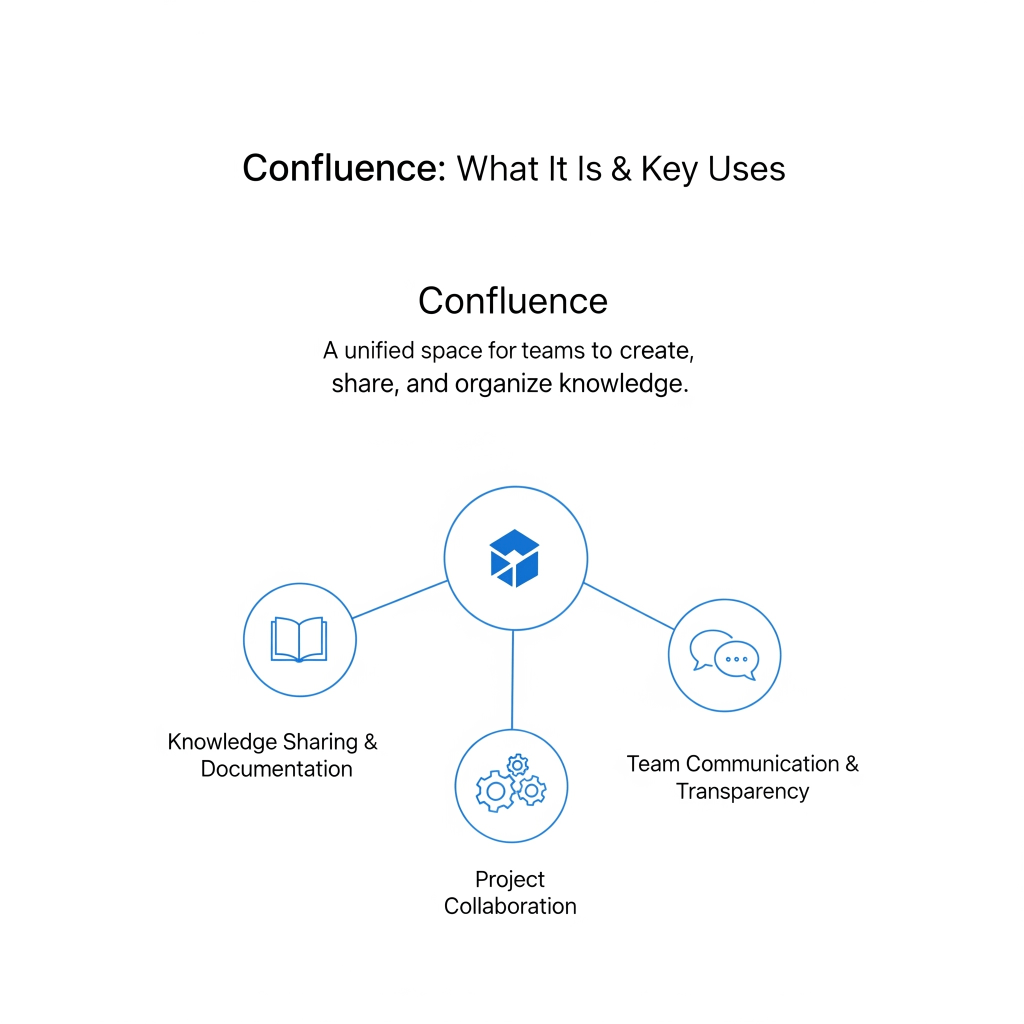
1. Knowledge Sharing and Documentation
One of the biggest reasons companies use Confluence is to build a centralized knowledge base. Instead of important information being spread across random files or emails, teams can create pages in Confluence to document:
- How-to guides
- Company policies
- Meeting notes
- Onboarding materials
- Standard operating procedures (SOPs)
This makes it easy for new employees to get up to speed and for existing team members to find answers quickly.
2. Project Collaboration
Confluence shines as a collaborative workspace. Teams can co-author pages in real time, leave comments, tag teammates, and track updates—all within a single page.
For example:
- Marketing teams can plan campaign timelines
- Product teams can outline feature specs
- HR teams can draft new policies and get instant feedback
The result? Less confusion, fewer email threads, and faster decision-making.
3. Integration with Jira and Other Tools
Confluence is deeply integrated with Jira, making it a favorite in agile development environments. You can embed Jira issues, track progress, and link project documentation all in one view.
Other integrations include:
- Trello
- Slack
- Microsoft Teams
- Google Drive
- And many more…
This flexibility allows different teams to work using the tools they prefer while keeping Confluence as their single source of truth.
4. Team Communication and Transparency
Confluence helps create a culture of transparency. Instead of hiding decisions in private inboxes or closed-door meetings, teams can document discussions and outcomes openly.
Some teams use Confluence for:
- Company-wide announcements
- Project retrospectives
- Weekly status updates
- Team goals and OKRs
This not only keeps everyone informed but also encourages accountability.
5. Templates for Faster Workflows
Confluence comes with pre-built templates for common tasks. Whether you’re planning a meeting, writing a product spec, or conducting a post-mortem, you don’t have to start from scratch.
These templates ensure consistency across teams and save valuable time.
Who Uses Confluence?
Confluence is widely used by:
- Software development teams for technical documentation
- Marketing teams for content calendars and campaign planning
- HR departments for employee handbooks and onboarding
- Operations teams for process documentation
- Executives for strategic planning and team updates
In short, any team that creates, shares, or manages information can benefit from using Confluence.
Final Thoughts
Confluence isn’t just a wiki tool—it’s a modern, flexible platform that empowers teams to work smarter together. From project planning and knowledge sharing to boosting transparency and integrating with other tools, it covers a wide range of use cases.
If your organization is looking for a better way to document work, improve communication, and keep projects moving smoothly, Confluence might just be the solution you need.
Tip: Want to make the most of this tool? Consider investing in Confluence training to help your team get comfortable using its full range of features.


